Open the current event in your own game, read its eligibility and mission requirements, and use its claim control only when the reward is unlocked. A bundle shown in a video or thumbnail is not automatically available to every account.
Steps to follow
- Open Free Fire or Free Fire MAX and check the event notices available to your account.
- Read the event name, end time, required missions and reward details. Check whether it awards a full bundle, a trial, a voucher or an individual item.
- Complete the listed conditions and return to the event page. Collect the reward through the event’s own claim control when eligible.
- Check the reward destination described by the event. Keep the event details and claim status if an item is missing.
First identify the event behind the outfit
A bundle is a group of cosmetic items, but a picture alone does not explain how it is obtained. The same thumbnail can circulate long after an event has ended. Start with the event currently visible to your account rather than searching for a button that matches someone else’s screenshot.
Write down the actual reward name and the event’s conditions. Check the region, dates and account requirements where they are stated. If a guide does not identify the event that awards the item, treat its claim instructions as incomplete.
Separate free rewards from paid offers
Garena describes several ways to obtain items through in-game activity, including events and mission rewards. That does not mean every cosmetic item is free or that every event awards a complete outfit. Garena’s free-items explanation is a useful overview; some terminology in that older page may differ from the current game.
Read the reward description before spending tokens or currency. A trial item, a permanent item and a chance to win an item have different outcomes. If an event uses random rewards, the featured picture should not be interpreted as a guarantee that one attempt will obtain it.
Read mission progress and claim status separately
Completing a match and completing an event condition are not always the same thing. The event may specify a mode, a daily window or a particular action. Compare your recorded progress against the exact condition before assuming the claim system is broken.
When a task appears complete, return to its reward page and look for the eligible claim action. Check whether there are several reward stages. A later stage may remain locked even if an earlier stage has been collected. Keep the sequence clear: requirement, recorded progress, eligibility, claim, then receipt.
If the bundle does not appear
First confirm that the event shows the reward as collected and that you are viewing the same account. Then check the item type and destination described in the event. A voucher or token should not be expected to appear as an equipped outfit.
If the status remains inconsistent, collect a short record: the event name, reward name, approximate time, relevant progress screen and what you expected to receive. Use the official support route for your region. A clear description is more useful than submitting multiple vague requests or repeatedly spending currency.
A useful checklist before following any claim guide
A good guide should identify the event, explain who is eligible, separate free and paid steps, show the source of its information and tell you what successful completion looks like. If an event has ended, the guide should say so instead of changing its date while repeating old instructions.
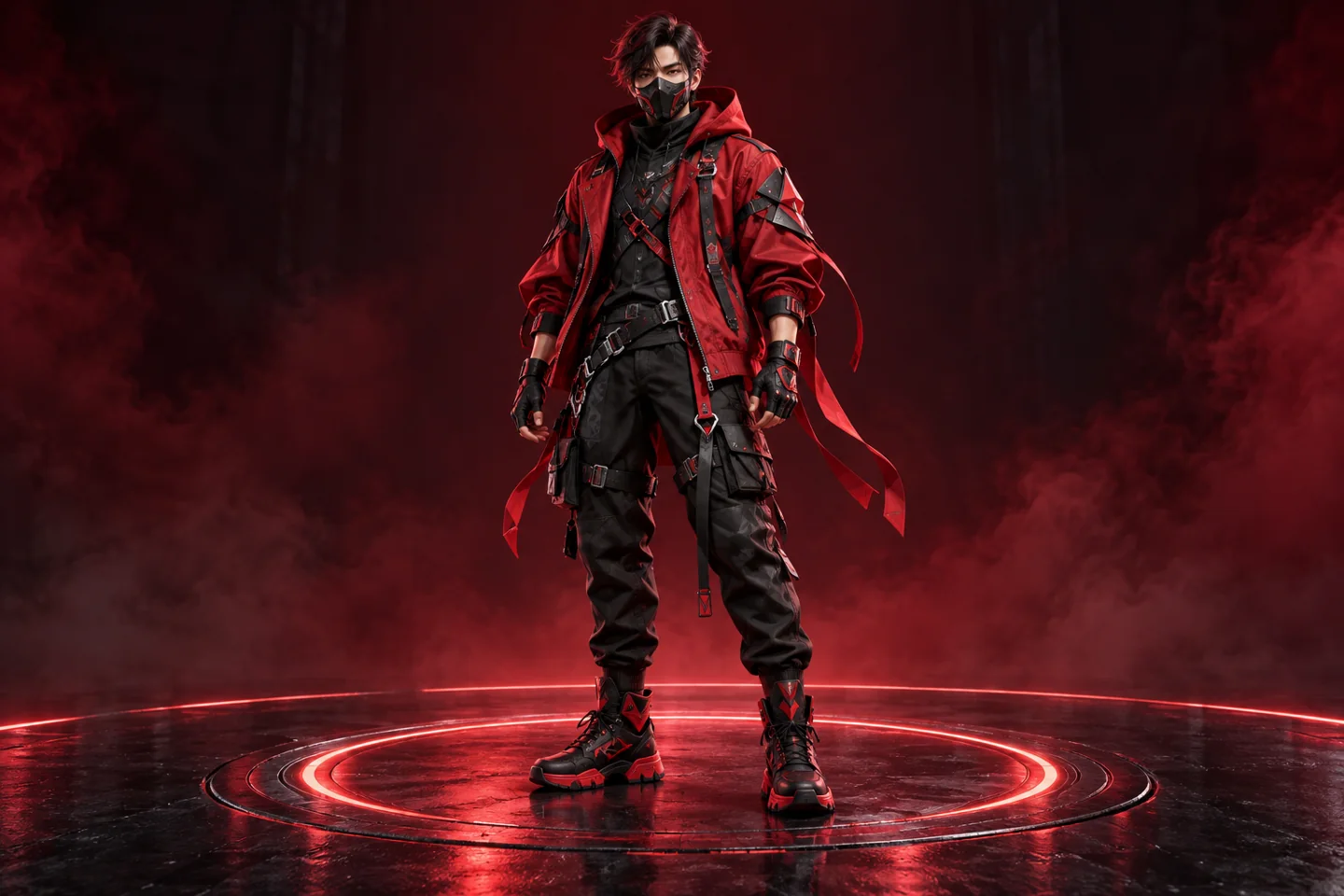
The outfit illustration on this page is original concept artwork. It is not a named Garena bundle or a promise of a currently claimable item. Before publication of a specific bundle article, its exact event and current availability should be verified.
View official Free Fire news ↗Common questions
Can I claim the outfit shown in this illustration?
The image is a design illustration, not an advertised game item. Use the exact rewards shown in your current in-game event.
Does every bundle event require diamonds?
No single rule applies to all events. Read the specific event requirements and distinguish free activities from paid purchases or random draws.
Sources and verification notes
Research checked 27 October 2026. Current account eligibility, prices and live offers must be confirmed in the official service. This guide does not claim a completed purchase or redemption test.